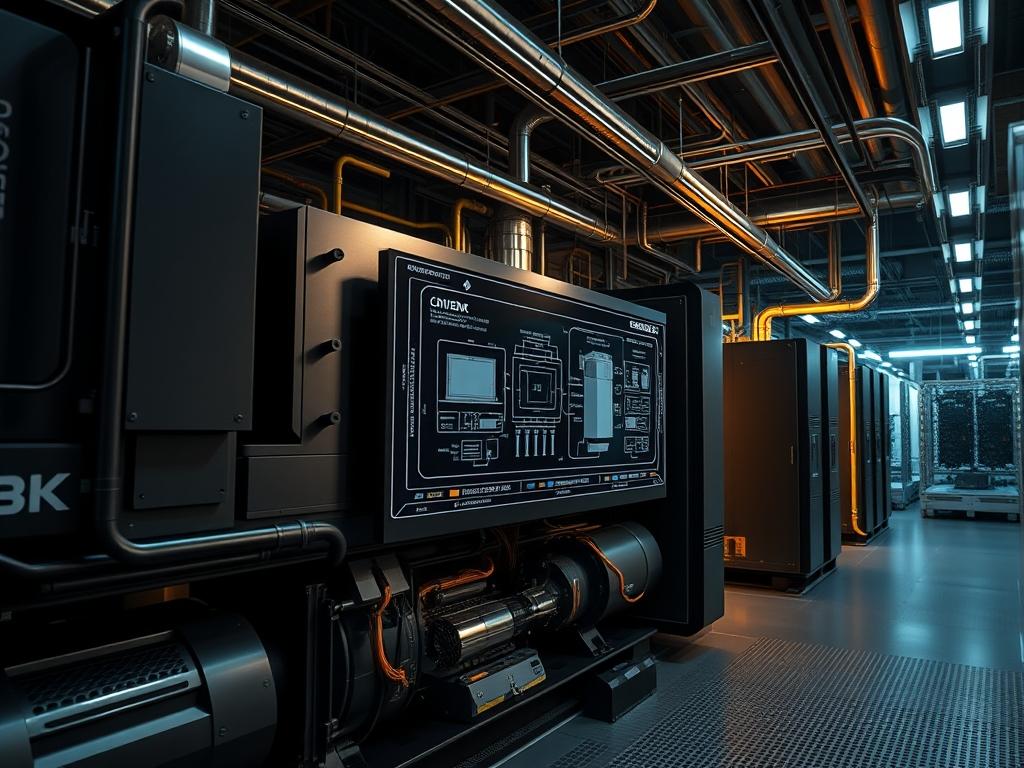
Data center generator load management represents the critical intersection of mechanical engineering and electrical redundancy within Tier III and Tier IV facilities. At the core of data center reliability is the ability of on site power generation systems to assume the full critical load of the facility within 10 to 15 seconds of a utility outage. This transition requires precise orchestration of the Automatic Transfer Switch (ATS), the Uninterruptible Power Supply (UPS) transition, and the engine governor response. The primary challenge in managing data center generator load involves the “Step Load” demand: the immediate application of high current that can cause frequency dips and voltage fluctuations. Effective system architecture ensures that the generator capacity is matched to the reactive power requirements of the server rows while maintaining a fuel consumption profile that meets regulatory environmental standards. This manual outlines the protocols for monitoring load percentages, calculating fuel burn rates, and integrating hardware telemetry into a centralized Building Management System (BMS).
Technical Specifications
| Requirement | Default Operating Range | Protocol/Standard | Impact Level | Recommended Resources |
| :— | :— | :— | :— | :— |
| Voltage Stability | 480V +/- 10% | IEEE 446 | 10 | 12V/24V DC Control Logic |
| Frequency Range | 59.5Hz to 60.5Hz | ISO 8528-5 | 9 | Electronic Governor |
| Fuel Flow Monitoring | 10 to 250 GPH | Modbus TCP/RTU | 8 | Flow-meter Sensors |
| Load Step Max | 40% to 60% Initial | NFPA 110 | 9 | N+1 Redundancy Modules |
| Telemetry Polling | 500ms to 2s | SNMP v3 | 7 | 1Gbps Network Uplink |
The Configuration Protocol
Environment Prerequisites:
Successful deployment of a generator monitoring stack requires compliance with NFPA 110 standards for Emergency and Standby Power Systems. Technical dependencies include a functional Modbus or BACnet gateway integrated into the Engine Control Unit (ECU). The systems architect must ensure that all logic controllers have a minimum firmware version supporting encrypted SNMP v3 for secure telemetry. User permissions for the infrastructure auditor must include “Read/Write” access to the Power Management System (PMS) and “Read-Only” access to the safety-critical Governor Control Interface.
Section A: Implementation Logic:
The engineering design behind data center generator load management is centered on the principle of idempotent power delivery; regardless of how many times the transition occurs, the state of the critical load must remain stable. We utilize a “Load Shed” logic to protect the engine from stalling. If the initial surge exceeds the engine block’s thermal-inertia or mechanical torque capacity, the system must be configured to prioritize critical server racks over non-essential cooling or office lighting. This prevents frequency signal-attenuation which could otherwise trigger a downstream trip of the UPS bypass.
Step-By-Step Execution
1. Initialize Telemetry Gateway
Configure the physical connection between the Engine Control Module (ECM) and the site network using a shielded RS-485 cable to mitigate electromagnetic interference. Access the gateway shell and execute systemctl restart mbus-daemon to refresh the register map.
System Note: This action initializes the polling loop for the Modbus RTU to Modbus TCP encapsulation process; ensuring that the hardware payload is accessible to the network layer without increasing latency in the monitoring feedback loop.
2. Calibrate Fuel Consumption Metrics
Access the Electronic Fuel Injection (EFI) controller and map the fuel rack position to the expected flow rate using the fluke-773 process clamp. Input the specific gravity of the current diesel batch into the BMS-Generator-Config file located at /etc/pwr/gen_stats.conf.
System Note: Calibrating the fuel flow ensures that the throughput reported by the software matches the physical consumption; providing an accurate “Time-To-Empty” calculation during sustained outages.
3. Configure Load Step Sequencing
Define the load application groups within the Main Distribution Board (MDB) logic. Use the command set-load-delay –group 1 –delay 0s for critical UPS and set-load-delay –group 2 –delay 5s for secondary cooling pumps.
System Note: This creates a staggered concurrency model; reducing the initial mechanical overhead on the generator crank and preventing a voltage collapse due to excessive inrush current.
4. Verify Governor Response via Load Bank
Connect a resistive/reactive load bank to the Emergency Bus. Initiate a test fire and ramp the data center generator load from 0% to 100% in 25% increments while monitoring the frequency response with an oscilloscope.
System Note: This tests the transient response and ensures the governor can maintain steady-state frequency despite the sudden increase in torque demand; verifying the system’s ability to handle high throughput without packet-loss in the digital control signals.
Section B: Dependency Fault-Lines:
The most common mechanical bottleneck in generator performance is fuel starvation caused by air infiltration in the lines or clogged primary filters. If the ECU detects a drop in fuel pressure while the load increases, it will derate the engine to prevent hardware damage. On the software side, a “Time-Out Error” in the BMS usually indicates high network overhead or a collision in the RS-485 bus. Ensure the termination resistor (120 ohms) is correctly installed to prevent signal-attenuation that leads to corrupted data payloads.
THE TROUBLESHOOTING MATRIX
Section C: Logs & Debugging:
When a fault occurs; the first point of analysis is the /var/log/power/gen_events.log file. Look for the error string “ERR_FREQ_UNSTABLE_TRIP”. This indicates the generator was unable to match the load step requirements.
1. Path-Specific Check: Navigate to /sys/class/hwmon/ and query the sensor_readout to verify if high engine temperatures are causing a thermal-throttle.
2. Visual Cues: Check the ATS front panel. A flashing “Loss of Phase” LED typically correlates with a failed synchronization relay; not a generator engine failure.
3. Logic Verification: Use modbus-query -r 40001 -c 10 to pull the raw hexadecimal values from the ECM. If the values return as “0xFFFF”; the communication link has experienced a total failure or the encapsulation layer is misconfigured.
OPTIMIZATION & HARDENING
Performance Tuning
To increase thermal-efficiency, the maintainer should implement a “Jacket Water Heater” monitoring system. By maintaining a constant internal block temperature, the system reduces the expansion-interval during start-up; allowing for a faster ramp-up to 100% data center generator load. High-density environments should also tune the governor gain settings to minimize “hunting” (oscillating frequency) during low-load conditions; which improves the power factor and reduces harmonic distortion.
Security Hardening
Physical and digital security are paramount for life-safety systems. Ensure that the Generator Control Unit (GCU) is on a physically isolated VLAN. Implement firewall rules that only allow TCP Port 502 (Modbus) traffic from the specific IP address of the BMS server. Physically lock the local “Emergency Stop” buttons with tamper-evident seals to prevent accidental or malicious shutdowns during maintenance windows. Use chmod 600 on all configuration files containing engine-start logic to prevent unauthorized execution.
Scaling Logic
As the data center expands; the power architecture must shift from a “Standalone” to a “Paralleling” configuration. This involves a “Common Bus” where multiple engines synchronize their sine waves before closing the breaker. Scaling requires the use of isochronous load sharing logic; ensuring each unit contributes a proportional amount of the total data center generator load based on its nameplate rating. This prevents “Reverse Power” conditions where one generator begins to drive another like a motor.
THE ADMIN DESK
How do I calculate runtime based on current fuel levels?
Divide the total usable fuel in the day-tank by the hourly consumption rate found in the ECU telemetry. At 100% load; use the manufacturer’s maximum burn rate (GPH) to ensure a conservative safety margin for emergency planning.
Why is my generator reporting a “Low Load” alarm at 20%?
Running a diesel generator at less than 30% load for extended periods causes “Wet Stacking;” where unburnt fuel accumulates in the exhaust. This increases mechanical overhead and reduces thermal-efficiency. Use a load bank to burn off deposits.
Can I monitor the generator via SNMP v2c?
While possible; it is not recommended due to the lack of encryption. SNMP v3 provides the necessary encapsulation to protect sensitive power statistics and prevents attackers from spoofing “Engine Stop” commands over the facility network.
What causes frequency “Hunting” during a transition?
This is often caused by a conflict between the UPS “Input Current Limit” and the generator governor. Adjust the UPS walk-in time to be more gradual; reducing the latency of the engine’s response to the new power demand.

