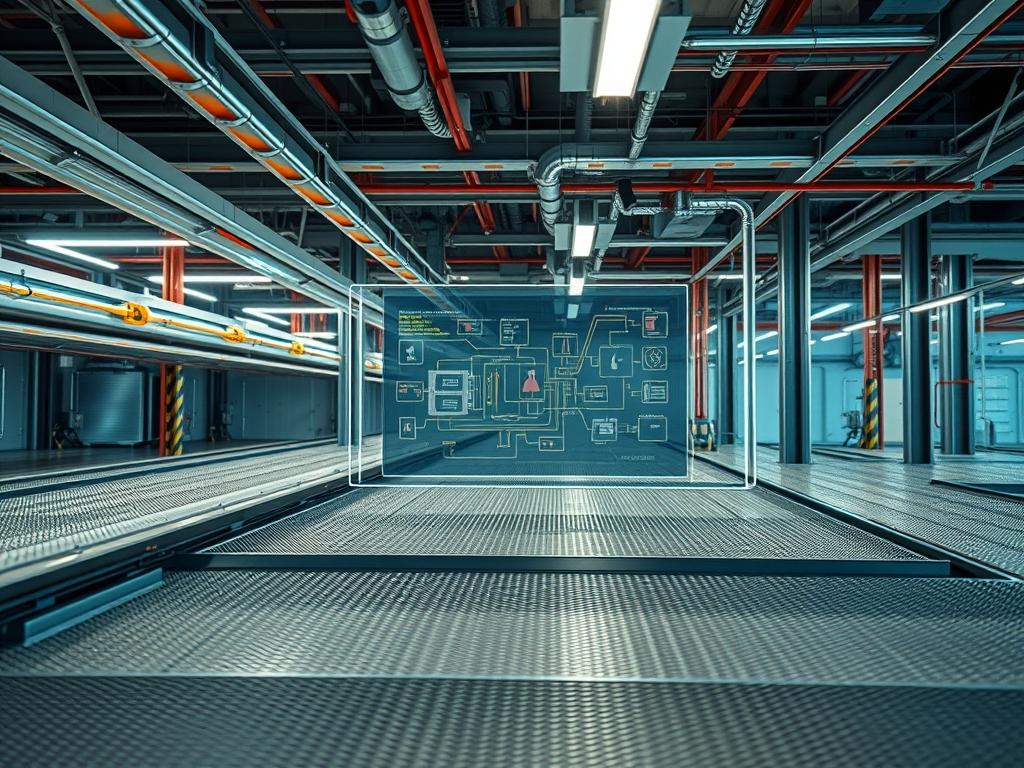
Raised floor airflow velocity is the primary metric for evaluating the efficacy of the underfloor plenum as a delivery mechanism for thermal regulation in high-density data centers. In the modern technical stack, where energy, cloud compute, and network infrastructure converge, the floor serves as a pressurized vessel. The fundamental role of this system is to manage the thermal-inertia of server hardware by delivering precise volumes of chilled air to the intake of localized racks. Without rigorous control of velocity and pressure, the system suffers from cooling latency, where the response time of the air handlers fails to match the rapid thermal spikes of high-concurrency CPU operations. This manual addresses the problem of cooling stratification and inefficient airflow throughput by establishing a standardized protocol for perforated tile deployment and plenum management. By viewing the raised floor not merely as a structural element but as a dynamic component of the cooling encapsulation strategy, architects can minimize the overhead of environmental maintenance and prevent localized hotspots that lead to hardware degradation or unplanned signal-attenuation in optical interconnects.
Technical Specifications
| Requirement | Default Operating Range | Protocol/Standard | Impact Level (1-10) | Recommended Material/Resources |
| :— | :— | :— | :— | :— |
| Static Pressure | 0.05 to 0.12 in. w.c. | ASHRAE TC 9.9 | 10 | CRAC/CRAH VFD Controllers |
| Airflow Velocity | 350 to 550 LFM | ANSI/TIA-942 | 9 | High-Output Perforated Tiles |
| Leakage Rate | < 5% of Total CFM | NEC Article 645 | 8 | Fire-Rated Brush Grommets |
| Tile Open Area | 25% to 60% | CISCA Standards | 7 | Die-Cast Aluminum Grade 1 |
| Thermal Payload | Up to 35kW per Rack | ISO 14644-1 | 9 | High-Density Cold Aisle Containment |
The Configuration Protocol
Environment Prerequisites:
1. Ensure the underfloor plenum is cleared of all non-essential obstructions; this includes unused power cabling and abandoned network trunks that increase the risk of air-path disruption.
2. Verify all floor seals are compliant with NFPA 75 standards for data center environments.
3. Access to the Building Management System (BMS) via SSH or a dedicated console with root-level permissions for adjusting PID-loop parameters.
4. Deployment of a calibrated Velocicalc Anemometer and a digital Pressure-Manometer.
Section A: Implementation Logic:
The engineering design of a raised floor system relies on the conversion of velocity pressure to static pressure within the plenum. As the Computer Room Air Handler (CRAH) units force air into the space below the floor tiles, the air must reach a state of uniform static pressure to ensure that every perforated-tile provides a consistent throughput. This process is essentially an idempotent physical operation: for a given pressure and tile aperture, the resulting airflow volume should be identical regardless of the system uptime. By maintaining a high pressure differential, we minimize the thermal latency that occurs when high-throughput servers demand more cooling than the local tile can provide. The logic follows a “pressure-first” design, where the plenum acts as a reliable reservoir for the cooling payload, ensuring that the air delivery is not bottlenecked by localized turbulence or poor tile distribution.
Step-By-Step Execution
Step 1: Perimeter and Plenum Sealing
Perform a comprehensive survey of the plenum enclosure to identify leak points. Use EPDM-foam or fire-rated-sealant to close any gaps around support pillars or wall junctions.
System Note: This action increases the static pressure within the plenum by preventing the uncontrolled loss of the cooling payload. High leakage rates force the CRAH units to run at higher RPM, increasing energy overhead and reducing the redundancy margin of the cooling system.
Step 2: Static Pressure Baseline Calibration
Connect the Pressure-Manometer to a port positioned at least ten feet away from the nearest CRAH discharge. Adjust the VFD-controller (Variable Frequency Drive) on the air units to achieve a target static pressure of 0.10 inches of water column.
System Note: Modifying the fan speed via the BMS-interface directly impacts the physical throughput of the system. This step ensures the “kernel” of the cooling logic (the pressure differential) is tuned for maximum efficiency before tiles are added.
Step 3: Strategic Perforated Tile Mapping
Deploy high-output-tiles (56% open area) specifically in the cold aisles directly in front of high-density server racks. Use a standard checkered pattern to prevent the “venturi effect” where fast-moving air skips over a tile instead of rising through it.
System Note: Proper tile placement ensures the airflow concurrency matches the server intake requirements. If tiles are placed incorrectly, the air may bypass the racks entirely, leading to higher thermal-inertia in the server hardware.
Step 4: Airflow Velocity Verification
Utilize the Anemometer to measure the velocity at the surface of each tile. Ensure the readings fall within the 350 to 550 LFM range. If readings exceed 600 LFM, the air may over-penetrate and mix with warm air at the ceiling level; if below 300 LFM, the server fans may starve.
System Note: This step verifies that the physical delivery of air matches the desired technical variable. High velocity can cause turbulence that mimics signal-attenuation in environmental sensors, providing false feedback to the BMS.
Step 5: Integration of Modbus Telemetry
Configure the thermal-sensors in the cold aisle to report real-time data to the BMS using the Modbus/TCP protocol. Set the polling interval to 30 seconds to ensure the system can react to sudden spikes in compute load.
System Note: Real-time telemetry allows the CRAH units to adjust fan speeds dynamically. This reduces the latency between a CPU load increase and the corresponding increase in cooling throughput.
Section B: Dependency Fault-Lines:
The most common failure in raised floor systems is the “Airflow Bypass” phenomenon. This occurs when cooling air returns to the CRAH without passing through the server racks, often due to missing tiles or unsealed cable penetrations. Another bottleneck is the “underfloor-cabling-clog” which causes a physical signal-attenuation of the air pressure as it travels away from the cooling source. Furthermore, if the PID-loop on the air handlers is tuned too aggressively, the system may oscillate, causing pressure waves that vibrate the raised floor panels and potentially interfere with sensitive magnetic storage media.
THE TROUBLESHOOTING MATRIX
Section C: Logs & Debugging:
When diagnosing airflow issues, start by checking the BMS-error-logs for code ERR-PRS-LOW, which indicates a failure to maintain the static pressure setpoint.
1. Path: /var/log/bms/pressure_monitor.log
2. Fault: Consistent readings below 0.03 in. w.c.
3. Remediation: Inspect the plenum for large openings or a failed CRAH-fan-motor.
If sensors report high temperatures despite high airflow velocity, investigate “Recirculation Patterns.” This is often indicated by a high thermal delta between the bottom and top of the rack. Check the thermal-sensor-readouts for NODE_TEMP_UNSTABLE. This usually means the air velocity is so high it is causing a vortex that pulls hot exhaust air back into the cold aisle. Physical inspection of the brush-grommets at the rack base is required; if they are missing, air escapes through the bottom, bypassing the server intake.
OPTIMIZATION & HARDENING
Performance Tuning:
To maximize throughput, implement a dynamic floor tile management strategy. Use variable-damper-tiles that interface with the BMS via BACnet/IP. These tiles can open or close based on the specific thermal payload of the rack they serve. This fine-grained control minimizes the energy overhead of cooling racks that are in an idle state, allowing the system to redirect pressure to active nodes with high concurrency demands.
Security Hardening:
The raised floor plenum must be physically protected. Install security-mesh at the perimeter of every “security zone” under the floor to prevent unauthorized passage between server cages. From a logic perspective, ensure that the BMS-gateway is isolated from the public network. Use iptables to restrict access to the Modbus and SNMP ports to a specific management VLAN.
Command: sudo iptables -A INPUT -p tcp –dport 502 -s 10.0.50.10 -j ACCEPT
This ensures that the environmental controls of the facility cannot be tampered with via an external network payload.
Scaling Logic:
As the data center grows, the total volume of the plenum increases. To maintain the same static pressure, additional CRAH units must be added in an N+1 configuration. When scaling, recalculate the total air throughput (CFM) versus the total kilowatt load of the facility. If the plenum height is less than 24 inches, the scalability of airflow velocity is limited by friction; consider increasing the plenum depth or implementing a “secondary-ceiling-plenum” to assist with air return.
THE ADMIN DESK
How do I calculate required CFM per rack?
Multiply the total rack wattage by 3.14 to find BTUs per hour; then divide by 1.08 times the desired temperature delta. This ensures the airflow throughput matches the thermal payload of the server hardware accurately.
Why is my static pressure high but airflow low?
This indicates a bottleneck or excessive encapsulation of the air. Check for dense cable bundles or fire dampers that have accidentally closed. High pressure with low velocity suggests the air has no clear path to egress the floor.
What is the “Venturi Effect” in floor tiles?
When underfloor air moves too fast horizontally, it creates low pressure at the tile surface, actually sucking air down from the room. Reducing CRAH fan speed or adding baffles can solve this and restore proper cooling throughput.
Can I mix different types of perforated tiles?
Mixing is possible but requires a reassessment of plenum pressure. High-flow tiles can “starve” standard tiles by providing a path of least resistance. Use the Anemometer to verify that concurrency is maintained across the entire cold aisle.
How often should I audit plenum integrity?
Conduct a physical inspection every six months or after any major cabling payload change. Check for debris, cable congestion, and the integrity of brush-grommets to ensure the system remains idempotent and efficient over its lifecycle.

