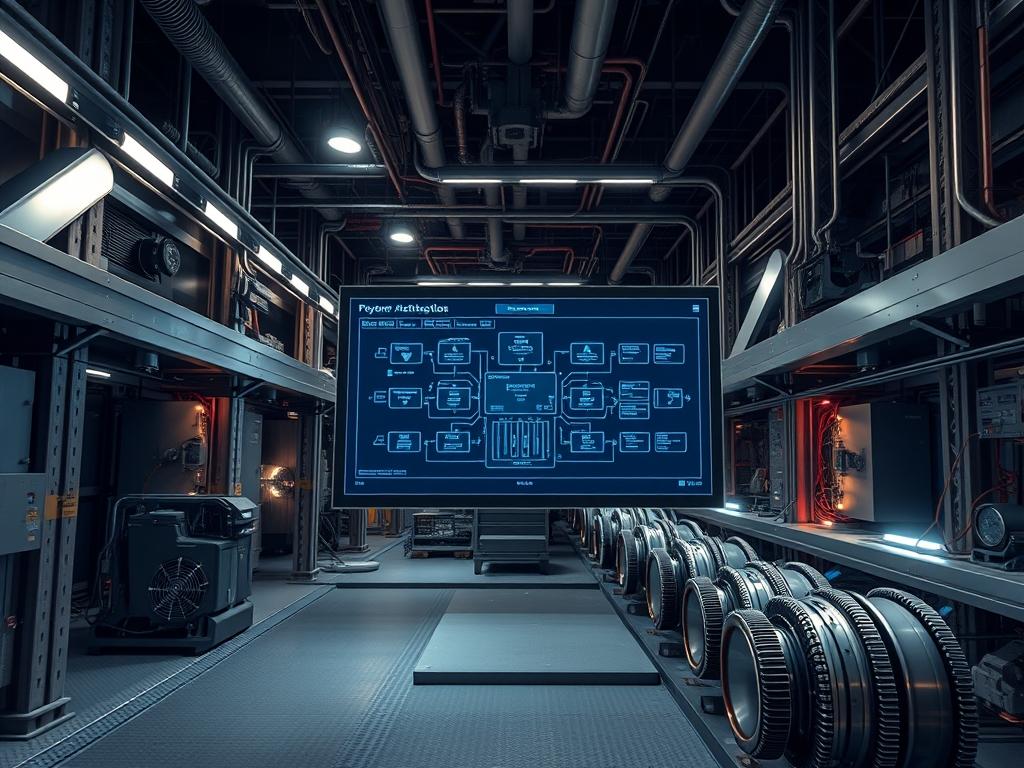
Kinetic Energy Storage Systems (KESS) function as the primary high-density energy reservoir within mission-critical power architectures. Unlike traditional electrochemical battery stacks; flywheel Uninterruptible Power Supply (UPS) units utilize the mechanical inertia of a high-speed rotating mass to provide instantaneous bridge power. The flywheel ups discharge stats represent the critical metrics governing the transition from utility or mains power to stored kinetic energy. This bridge period is vital for maintaining system continuity during the temporal gap required for backup generators to reach a synchronous speed and assume the full facility load. In modern cloud and network infrastructure; the flywheel serves as a high-power, low-duration buffer that mitigates the wear and tear associated with short-cycle chemical battery discharges. By analyzing discharge statistics; lead architects can optimize the handoff window; ensuring that thermal-inertia and mechanical friction do not compromise the throughput of the emergency power bus during a critical failure event.
Technical Specifications
| Requirement | Default Port/Operating Range | Protocol/Standard | Impact Level (1-10) | Recommended Resources |
| :— | :— | :— | :—: | :— |
| Rotational Velocity | 7,700 to 10,000 RPM | IEEE 446 | 10 | 4140 Alloy / Carbon Fiber |
| Communication Bus | TCP/502 (Modbus) | SNMP v3 / Modbus TCP | 8 | Cat6a Shielded (STP) |
| Vacuum Pressure | < 1.0 mTorr | ISO 1940-1 | 9 | Integrated Vacuum Pump |
| Discharge Duration | 15 to 45 Seconds | NEC Article 700 | 10 | Active Magnetic Bearings |
| Monitoring Logic | 100ms Polling Interval | IEEE 1547 | 7 | Logic-Controller (PLC) |
The Configuration Protocol
Environment Prerequisites:
Successful deployment and monitoring of flywheel systems require strict adherence to IEEE 1100 (Emerald Book) for powering and grounding. The facility must provide a controlled ambient environment to manage thermal-inertia effectively. Minimum firmware requirements for the logic-controller include support for Modbus-TCP and SNMP v3 with AES-256 encryption. User permissions must be elevated to Administrative/Root level on the secondary monitoring server to allow for the execution of systemctl commands and the modification of ip-tables for secure telemetry.
Section A: Implementation Logic:
The engineering calculation for bridge power duration is predicated on the formula for rotational kinetic energy: $E = 1/2 I \omega^2$. As the utility fails; the flywheel ups discharge stats track the decay of angular velocity ($\omega$) as it is converted into electrical energy via the integrated motor-generator. This process must be idempotent; every discharge cycle must follow a predictable, repeatable curve to ensure the generator-start command (Genset-Start) is triggered at the precise low-speed-threshold. The system architecture prioritizes low latency in the inverter’s gate-driver circuits to prevent a drop in frequency that could lead to signal-attenuation or downstream equipment failure.
Step-By-Step Execution
1. Initialize Vacuum Suppression and Monitoring
Access the primary logic-controller interface and verify that the internal chamber pressure is below 1.0 mTorr. Execute the command vacuum-ctl –status –verbose to check for leak rates.
System Note: Low vacuum pressure is essential to reduce aerodynamic drag on the rotating mass. High pressure increases the internal overhead and leads to excessive heat; which can degrade the thermal-inertia calculations and shorten the discharge window.
2. Configure Modbus Telemetry for Stats Aggregation
Assign a static IP to the Network Management Card (NMC). Edit the configuration file located at /etc/snmp/snmpd.conf to define the OID paths for the flywheel ups discharge stats. Restart the service using systemctl restart snmpd.
System Note: This action establishes the data pipeline for real-time monitoring. By standardizing the OID paths; the system ensures that payload data regarding RPM, DC bus voltage, and discharge current is captured without packet-loss.
3. Calibrate Magnetic Bearing Centering
Utilize a fluke-multimeter and the specialized bearing-align tool to ensure the rotor is perfectly levitated. Monitor the signal-attenuation on the position sensors to verify that the rotor is within a 0.001-inch tolerance.
System Note: Misalignment causes mechanical friction; which introduces significant unpredictable variables into the energy decay curve. Precise centering is required to maintain the high throughput required during the first five seconds of a power event.
4. Set Thresholds for Bridge Power Transition
Define the low-speed-cutoff variable within the system firmware. This is typically set to 60% of maximum RPM. Use the command ups-setup –set-handshake-delay 200ms to synchronize the transfer switch.
System Note: This threshold determines the exact moment the UPS signals the Automatic Transfer Switch (ATS) to move to generator power. If the latency in this communication is too high; the system may hit a zero-energy state before the generator is stabilized.
Section B: Dependency Fault-Lines:
The most common point of failure in capturing flywheel ups discharge stats is the synchronization between the mechanical state and the digital reporting layer. If the logic-controller experiences high CPU concurrency; the reporting of RPM decay may lag behind the actual physical state. Furthermore; signal-attenuation in the magnetic sensors can cause the software to report a “false-high” RPM; leading to a premature depletion of bridge power before the Genset is ready. External factors such as harmonic distortion on the input bus can also interfere with the encapsulation of monitoring packets; leading to “ghost” error codes.
THE TROUBLESHOOTING MATRIX
Section C: Logs & Debugging:
When a discharge event occurs; the system generates a log entry in /var/log/power/ups_events.log. Look for the error string ERR_RPM_DECAY_OUT_OF_BOUNDS. This typically indicates that the thermal-inertia of the rotor is exceeding safe limits; causing energy to be lost as heat rather than electrical work.
– Error 0x01 (Illegal Function): The logic-controller does not recognize the Modbus request. Check the encapsulation settings on the polling server.
– Error 0x02 (Illegal Data Address): The OID or Modbus register for flywheel ups discharge stats is mapped incorrectly in the configuration file.
– Physical Clue (Vibration): If the sensors indicate increased vibration during discharge; check the vacuum pump. Air ingress creates turbulence; causing the rotor to lose energy faster than the calculated rate.
– Digital Clue (Packet Loss): If the throughput of the monitoring data drops; verify the shielding on the RS-485 or Cat6a lines to ensure no electromagnetic interference (EMI) is present.
OPTIMIZATION & HARDENING
– Performance Tuning: To maximize the throughput of the flywheel; optimize the inverter’s firing angles. Reducing the switching overhead in the power electronics can extend the bridge power duration by up to 1.5 seconds; a critical margin in high-availability environments.
– Security Hardening: Secure all logic-controller interfaces by disabling unused ports (e.g., Telnet, HTTP). Use iptables -A INPUT -p tcp –dport 502 -s [Management_IP] -j ACCEPT to restrict Modbus access to authorized monitoring nodes only. This prevents unauthorized modification of discharge thresholds.
– Scaling Logic: When expanding the power plant; implement a “Parallel-Redundant” configuration. Use a load-sharing algorithm that ensures concurrency between multiple flywheels. Each unit should report its flywheel ups discharge stats to a centralized aggregator; allowing the system to balance the load based on individual unit health and current RPM.
THE ADMIN DESK
How do I verify the bridge power duration?
Simulate a utility failure by opening the input breaker. Monitor the flywheel ups discharge stats to ensure the transition to generator power occurs within the 15-second window without the DC bus voltage dropping below the critical threshold.
What is the primary cause of discharge stats inaccuracy?
Vacuum decay is the leading cause. As internal pressure rises; aerodynamic drag increases exponentially. This causes the flywheel to lose energy faster than the logic-controller predicts; leading to a “Short-Discharge” fault.
How does thermal-inertia affect the flywheel?
As the flywheel discharges; the motor-generator generates heat. This thermal-inertia can lead to expansion of mechanical components. If not managed by the cooling system; it increases friction and reduces the overall throughput of the system.
Can I monitor these stats via a standard Linux server?
Yes. By using tools like snmpwalk or a dedicated Modbus-to-MQTT gateway; you can pipe flywheel ups discharge stats into any time-series database like InfluxDB for real-time visualization and alerting via Grafana.

